

Articles on World Anvil hold the fundamentals of your worldbuilding—think of them as Wikipedia articles for your world. There are different kinds of article “templates”, each with different prompts (which are all optional) and, in some cases, specific features.
There are several ways to create a new article from anywhere. Let's find out how:
Use the Hammer!
- Click the green Create button in your right hand toolbar
- This will bring up the template list with a search bar at the top. Click on a template to create a new article of that type
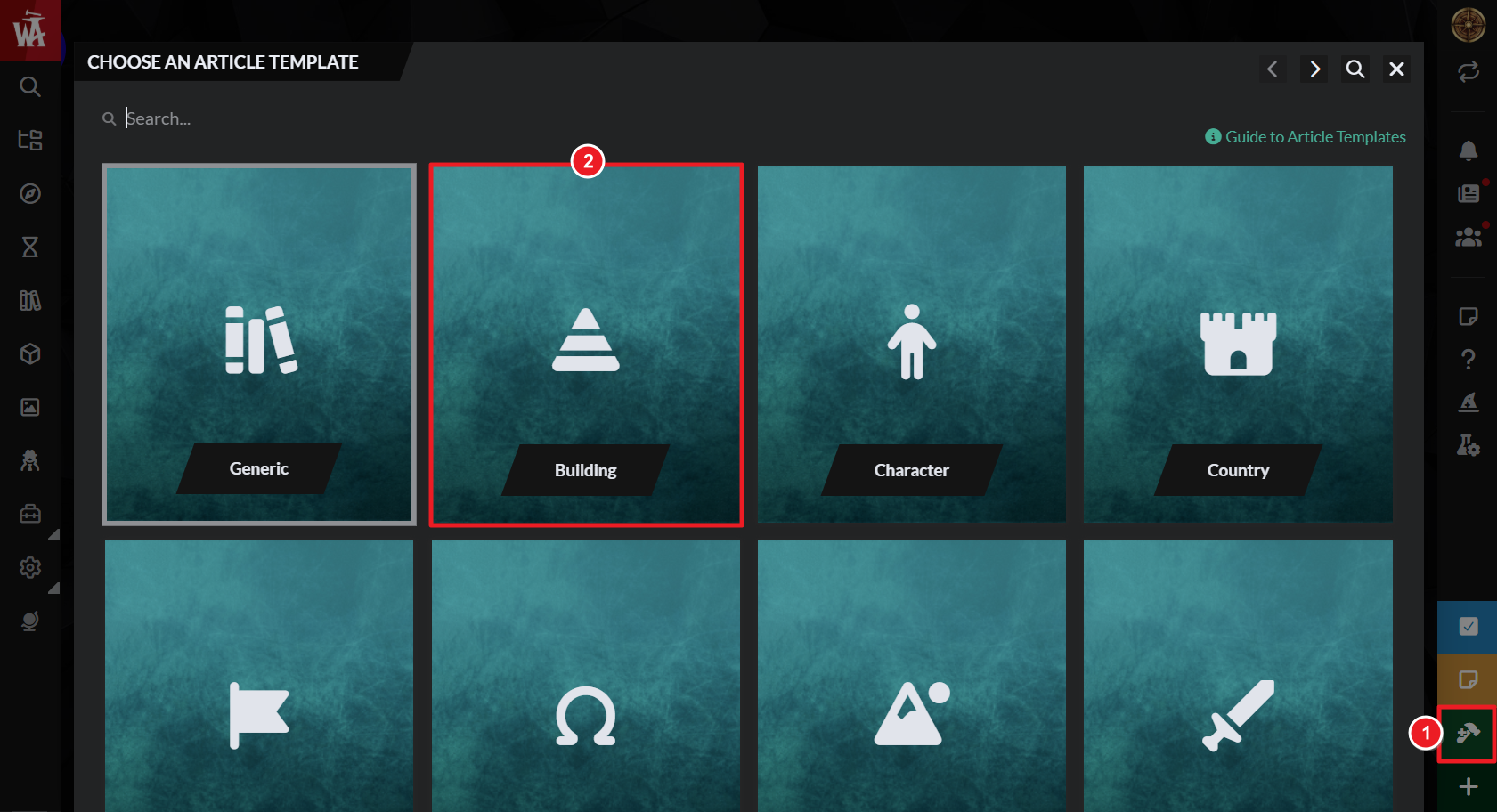
- Set the title for your article and start writing!
- Once the article has a title, changes save automatically so you can close the edit modal at any time.
In Your Article Manager
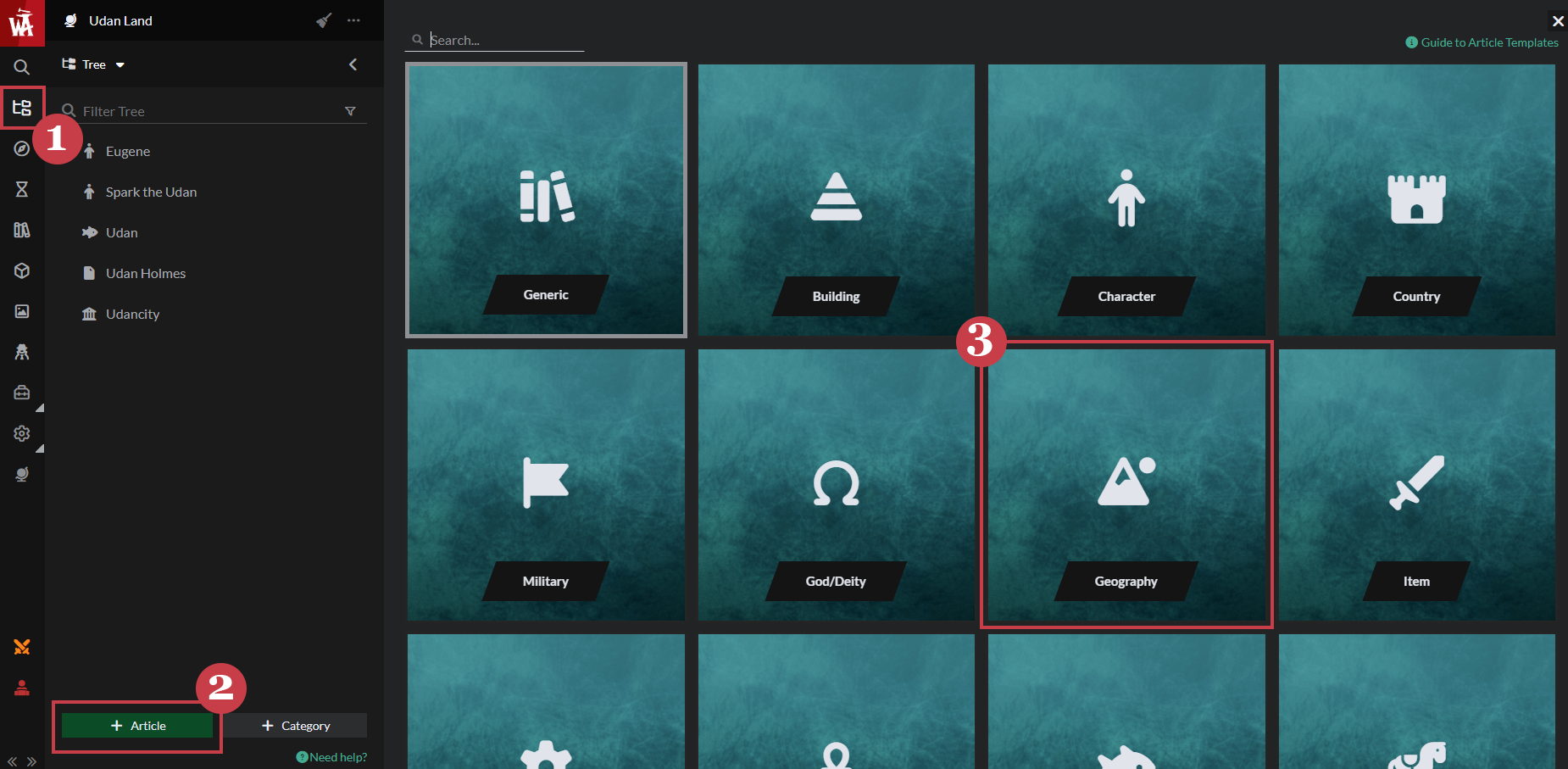
- While working on an article, you can expand your Article and World Manager in the left hand toolbar and create a new article by clicking on the green Article button at the bottom
- Select the template you want from the list
- And get writing!
On the Fly
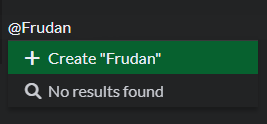
- While writing in an article (this method does not work in timelines or map markers), you can create a new article by typing "@" followed by the title of the article you want to create
- Click the green Create "Article Name"
- Select what template you want from the list
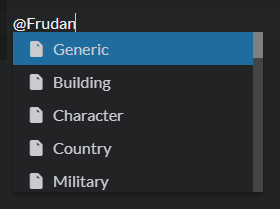
- This will then be saved in your article list ready for you to work on